by Victoria Hart
January 7, 2026
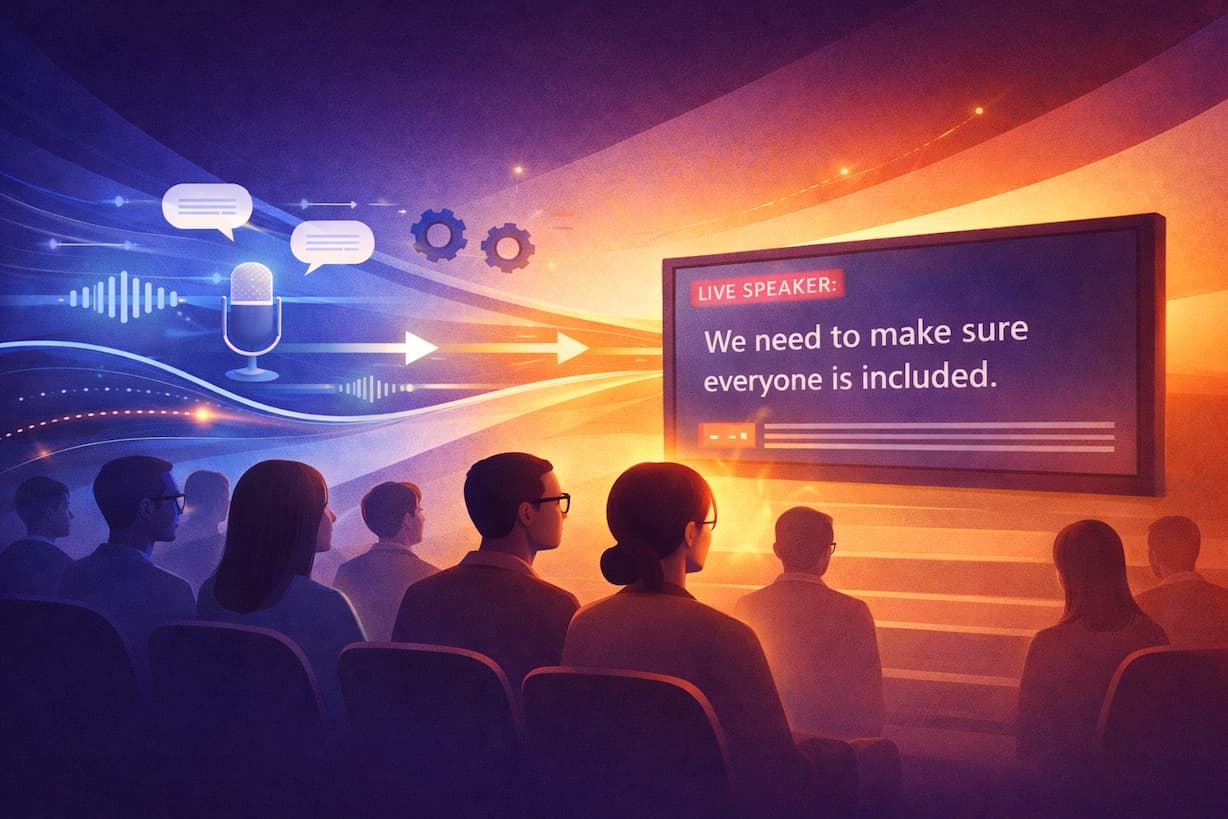
Live captioning is not a shiny new innovation. It is older than most of the platforms it now appears on, and that is part of the reason it still works so reliably.
In the live events and corporate world, there is a visible trend toward real-time audio interpretation and emerging speech to speech technologies as the first answer to “accessibility”. They sound modern. They can feel efficient. They are relatively easy to sell internally.
Yet when we look at who is actually included and who is left out, live captioning remains one of the most effective tools available. This article looks at why.
Audio interpretation is helpful, but it is not broadly accessible
Corporate and live event teams often feel they have “covered accessibility” once interpreters are booked or an AI audio layer is added. Interpretation certainly has value: multilingual audiences, executive keynotes in a second language, panel discussions where nuance matters.
But interpretation is primarily an audio solution. That means it depends on several things lining up:
- The listener can hear
- The listener can process speech at natural or near-natural speed
- The environment is reasonably quiet
- The listener is comfortable using headsets or audio channels
That is a narrow path, especially for large, hybrid, or global events.
For d/Deaf and hard-of-hearing participants, spoken interpretation is often inaccessible. For people with auditory processing difficulties, it can be overwhelming. For staff watching discreetly from an open-plan office with their sound muted, it is not an option.
In other words, audio-only solutions follow the sound. Captioning delivers the message, and we exist in a world of statistics on engagement with the sound-off.
Speech to speech today: clever, promising, not quite there live
We are also seeing more interest in live speech to speech systems in which the speaker’s voice is captured, turned into text, then rendered back into synthetic speech in another language or voice style. On paper, it sounds elegant.
In practice, most current systems still rely on a chain that looks like this:
speech → automated speech recognition → automated text processing → synthetic speech
Each step introduces a chance for errors, delay, and awkward timing. Add technical jargon, acronyms, accents, or panel discussions where several people speak in quick succession, and the system is under real pressure.
There are use cases where this is exciting. For high-volume, informal settings, or for giving a general sense of content in another language, it can be useful. For high-stakes live events, regulatory environments, or audiences who need accurate access, it is not yet a dependable standalone solution.
In fact, many of these pipelines silently rely on text as the backbone. Text remains the structure that holds everything together. Live captioning simply makes that backbone visible.
Why captions still carry so much weight in live events
Captions are not a courtesy for one audience segment. They inhabit an entire ecosystem of people and processes.
For attendees, captions:
- Provide primary access for d/Deaf and hard-of-hearing participants
- Support people whose first language does not match the speaker’s
- Help neurodivergent viewers who process information better visually
- Rescue comprehension in poor acoustics or low volume situations
- Clarify names, acronyms, numbers, and technical terminology
For organisers and corporate teams, captions:
- Create a live written record that can feed minutes, summaries, and training material
- Make content searchable after the event
- Provide evidence for accessibility and compliance efforts
- Strengthen the organisation’s inclusion and DEI narrative with a concrete, visible action
In hybrid and remote environments, captions support asynchronous work as well. Staff who could not attend can scan the caption-derived transcript instead of replaying an entire recording. Teams in different time zones can pick out the sections that matter most. Accessibility and efficiency point in the same direction here.
“Captions are distracting” and other production myths
One curious objection we still hear in event design meetings is simple: “The captions ruin the look - is there a way to recolour/resize/[insert debatable and dubious change here].”
Sometimes the issue is a tiny LED bar squeezed into a corner. Sometimes it is a last-minute decision to put captions on a screen that was designed only with clean imagery in mind. From a pure stage aesthetics perspective, text can feel like clutter.
The result is painful in a different way. In the effort to create a seamless visual experience, the event becomes less inclusive. People who rely on captions are asked, essentially, to disappear for the sake of a tidy line of sight.
There is a more honest way to look at it.
If the caption screen feels like an afterthought, that usually means the design process treated accessibility as an afterthought. The answer is not to drop the captions. The answer is to design them properly.
That might mean:
- Budgeting for an additional LED screen so captions have a dedicated, legible space
- Planning the stage look with text zones in mind from day one
- Testing sightlines from different parts of the venue for both on-site and camera audiences
- Giving remote platforms a clear caption area that does not fight with branding or lower thirds
If a small LED strip looks bad, the conclusion is not “captions are ugly”. It is “this captioning solution is under-resourced”. Extending the budget a little here often changes the experience completely.
Accessibility is part of production design, not a bolt-on
In most regions, accessibility is not a “nice to have”. Depending on the context, it connects to legal and regulatory frameworks: disability and equality legislation, broadcasting and communications requirements, and digital accessibility standards such as WCAG for online content.
Corporate events and broadcasts increasingly sit in that web of expectations, even when they are streamed privately. Internal communications teams are also being asked to demonstrate how inclusion principles show up in practice, not only in policy documents.
Position early, design for process:
- Stage designers can integrate text areas into the visual language of the event
- Producers can plan camera shots that keep captions comfortably visible for remote viewers
- Technical teams can route the caption feed to multiple destinations correctly: in-room, webcast, overflow spaces
- Accessibility officers can point to a clear, consistent approach across the organisation’s events
This is a very different experience from dropping a caption feed onto whatever space is left on the night.
Practical questions for event teams to ask
When planning a live event or corporate broadcast, a few simple questions help keep the bigger picture in view:
- Who in our audience would struggle with an audio-only solution?
- What happens to this content after the event?
- Have we designed the visual environment for captions, or just squeezed them in?
- Are we relying solely on interpretation or speech to speech technology to claim “accessibility”?
- Would we be comfortable explaining our choices to someone who depends on captions?
Seeing the whole audience
At Line 21, we have spent decades in control rooms, backstage corners, and virtual production channels for everything from leadership town halls to shareholder meetings and multi-day conferences. One thing stays consistent. When captions are present, people use them. Not just the people you expect.
Someone glances down to check a term they missed. Someone reads along to stay focused late in a long day. Someone who would otherwise be excluded follows every word.
So as you plan your events and communications for 2026, it can help to step back from the question “Will this look seamless?” and ask a slightly different one:
“Will everyone who needs to see these words be able to?”
Live captioning is not glamorous. It does not need to be. It is a practical, proven way to keep more people in the conversation. And for many of the audiences you care about most, that is the part they will remember.