

Account
Everything starts with opening an account. To do this, you simply need to click on the "Sign In" button in the top right corner of the screen. Line 21 does not separate between sign up and log in workflows. On a successful sign in, we will either create a new account for you or redirect you to the account you already have.
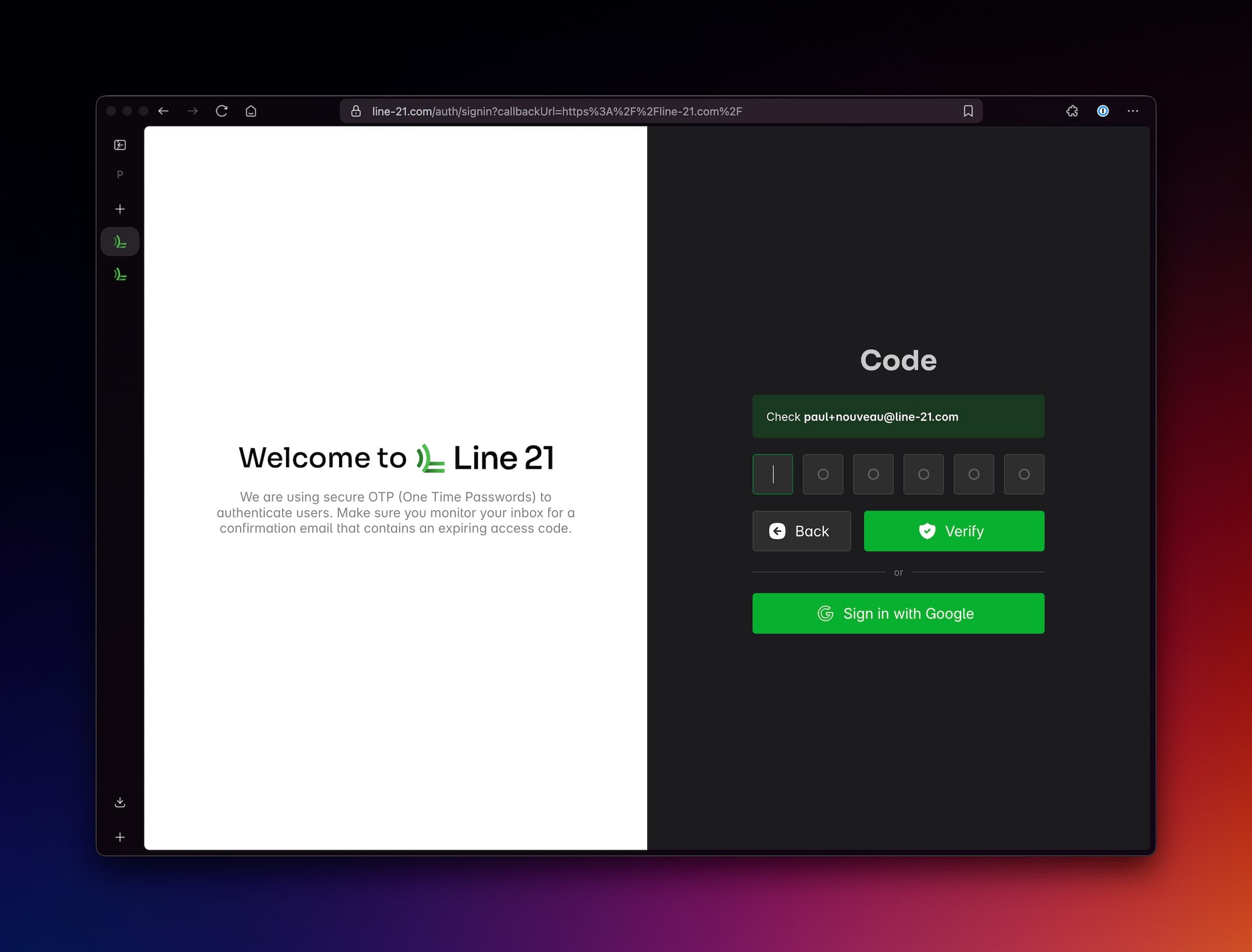
There are two methods to authenticate your account:
OTP (One time password): Enter your email address and we will send you a code to your inbox.Google authentication: Sign in with Google (if your email is @gmail.com or it is hosted on Google Workspace).
OTP (One time password)
-
Enter an individual email address - this becomes the organisation owner, so is best not on a shared inbox. You can add extra team members at no additional cost to an organisation.
-
Check inbox for OTP: you should receive an email with a 6 digit code to enter. This can be entered only once and changes with every login.
-
Enter the code and click on "Verify".
Google authentication
Simply hit the "Sign in with Google" button and follow the instructions.
Video tutorial
Notes
- there are no passwords to store or remember. We use OTP or Google authentication to keep the private information to a minimum. Nothing to hack or steal.
- use the work email address if possible.
- avoid the use of shared emails addresses (e.g. info@yourcompany.com) as they may not be associated with a single user. Individual traceability is important for security and compliance.