

Project Types
When you create an organisation, your dashboard will look like this:
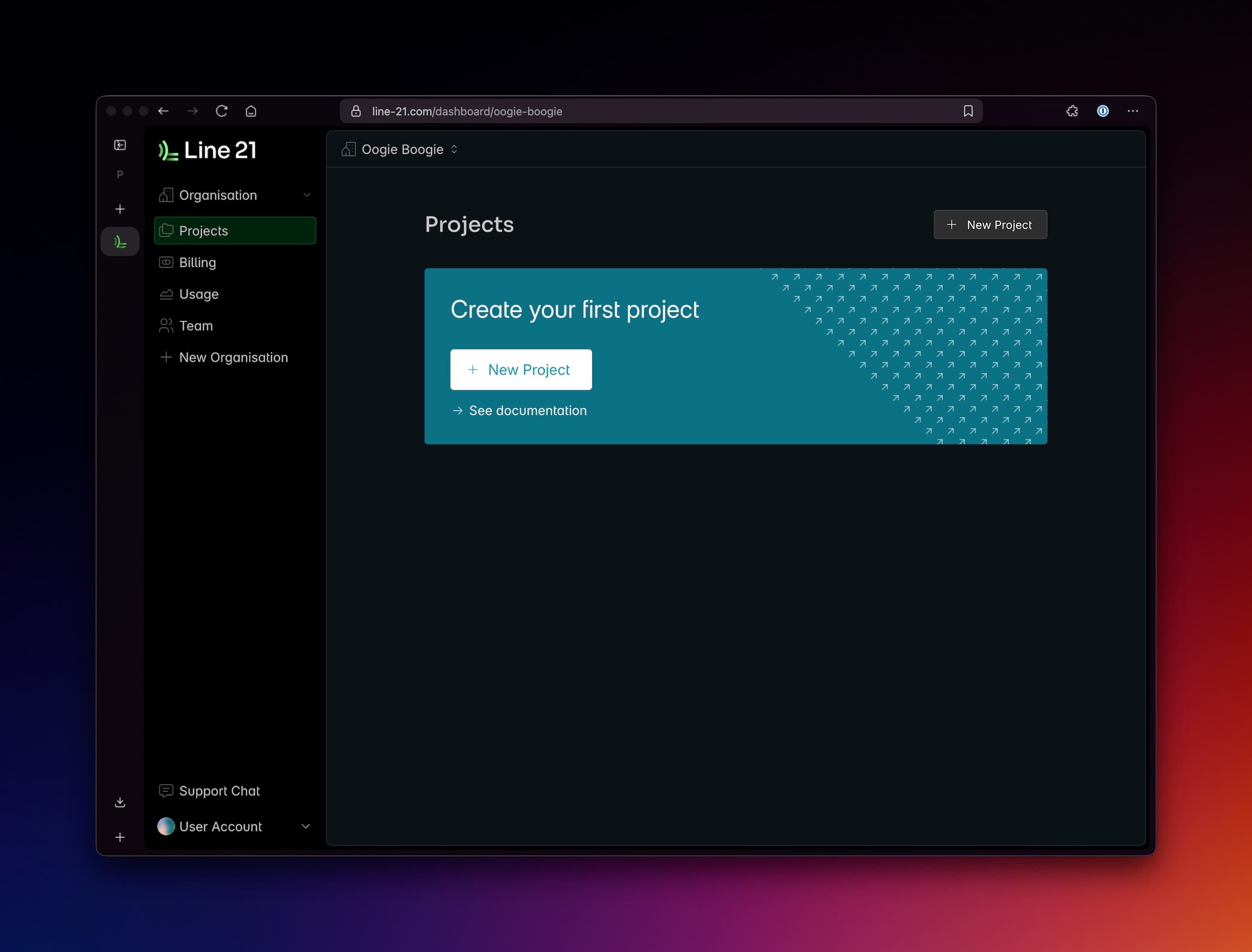
A project is a collection of settings and configurations that are used to create a live captioning session. You can use a 3-part mental model to understand how projects work:
Inputs— how captions are generated (methods, feeds, languages)Transformations— how captions are transformed (AI services for proofreading, translations)Outputs— where captions are delivered (destinations: Youtube, RTMP Encoding, Display in a browser, etc.)
Notes:
- Projects are usually not time-limited, they can be used immediately after creation. Billing is based on usage metrics liks minutes consumed. There is no start / stop button.
- Projects can be archived if you don't need them anymore.
- Projects should have unique names. (e.g. "Coachella 2025, Week 1").
Project Types
To make it simpler for our users, we've made template projects of our most common use cases - making it easier than ever for you to set up for your events!
Standard
The default project type for most use cases, from simple to complex live captioning scenarios.
Playlist
For scheduling a mix of caption playback and live captioning.
Meeting
For online meetings that require better live captioning capabilities.
Project code
Every project has a unique Project Code that is used to identify the project in the Line 21 App. It is used in several places:
- In any client-facing page that you may share with your audience, usually it is included in the URL.
- In the Line 21 App, when you open the project you want to use.
You can copy the project code eithe from the Project List of your Organisation, or from the Project Details dashboard.
Not sure which one to use? Email us on hello@line-21.com to book a demo, or jump into our Discord for a video call.